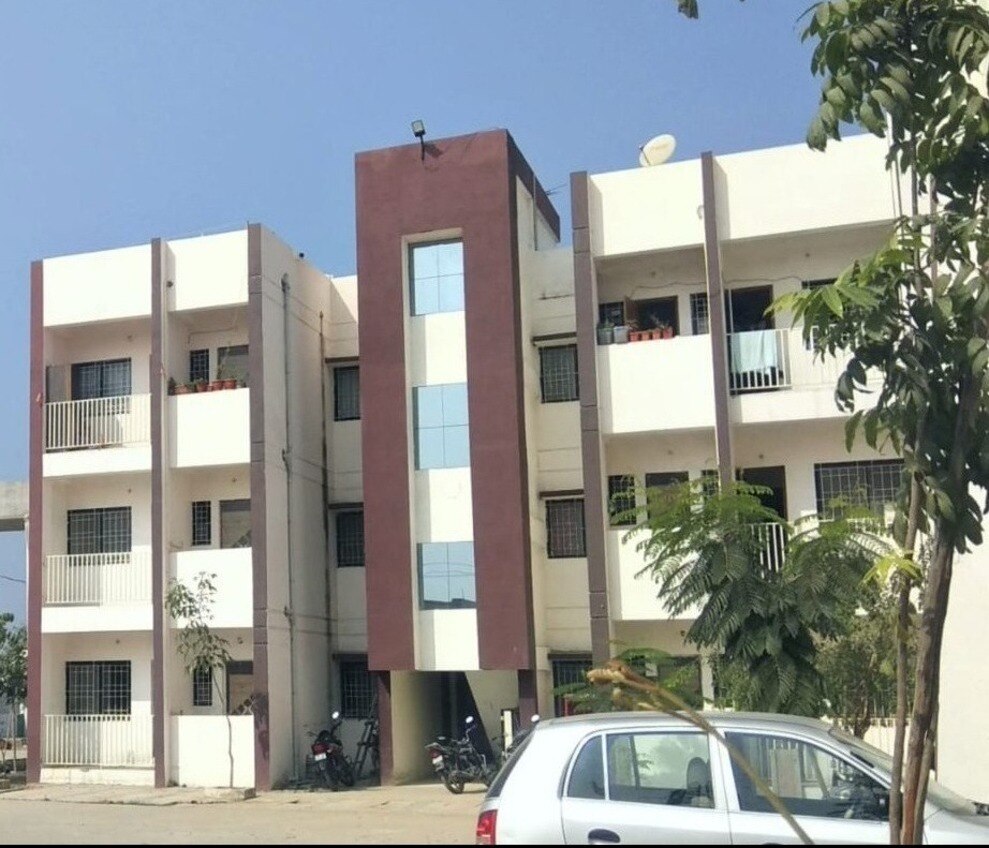
A brochure’s claim that a flat is “RERA approved” does not tell you whether the project is registered, which approvals are uploaded, or what the promoter has promised in the agreement. By checking the MahaRERA record and comparing it with the sale documents, you can test the project’s timeline, costs, carpet area, fund-use safeguards and buyer protections before paying a substantial amount.
Key takeaways
- Check the project’s MahaRERA registration number before paying.
- Compare sanctioned plans, carpet area and promised possession date.
- Read quarterly updates for construction progress and outstanding approvals.
- Document changes, delays and payment demands before disputing them.
What RERA registration actually tells a homebuyer
RERA meaning is the Real Estate (Regulation and Development) Act, 2016, a law that requires promoters to disclose project information and gives homebuyers defined rights. In Maharashtra, the Maharashtra Real Estate Regulatory Authority, known as MahaRERA, administers these rules and publishes project records.
A promoter must register a project in a planning area before advertising, marketing, booking or selling it. This includes qualifying ongoing projects without a completion certificate when the Act began.
The central exemptions cover projects with land of 500 square metres or less, or no more than eight apartments, including all phases; Maharashtra can set a lower threshold.
A RERA registered project gives you a public document trail, not a quality certificate. Check these records:
- Registration number, promoter identity and declared completion date
- Land title, encumbrances, sanctioned plans and layout plans
- Building permissions, development-work specifications and stage-wise schedules
- Updates showing progress on water, sanitation, electricity and other agreed services
| Claim | What it actually means | What you still need to check |
|---|---|---|
| RERA approved flat | The flat belongs to a registered project | Carpet area, agreement terms, title and approved plans |
| RERA registered project | The promoter filed prescribed project disclosures | Exact phase, building, approvals and construction progress |
| RERA registration | The authority accepted the registration filing | It does not certify workmanship or guarantee clear title |
Therefore, “RERA approved flat” is imprecise: RERA registers the project, not an individual flat. Verify the specific project record rather than relying on a brochure or sales statement.
How to verify a project on the MahaRERA website
Search the official MahaRERA website using the project registration number shown in the sales material. If you do not have it, search by promoter name, project name and location, then confirm that the result identifies the same phase, building and land parcel you are considering.
1. Open the project’s registration record and check its status. Confirm the promoter’s legal name, registered project address, registration date and declared completion date. A registration number for one phase does not cover another phase or an adjacent development.
2. Read the uploaded records, not just the summary. Look for sanctioned plans, layout plans, commencement permission, building approvals, land-title information, encumbrance details and development-work specifications.
3. Review the latest quarterly progress updates. Compare the reported construction stage, approved buildings, apartment carpet area and promised facilities with the site and the seller’s statements.
4. Save the registration certificate, approval documents, progress pages and screenshots. Keep them with the brochure, payment demands and emails if a later claim conflicts with the portal record.
Portal evidence becomes useful when you compare it across the purchase documents:
| Record | Check | Warning sign |
|---|---|---|
| MahaRERA registration | Phase, building, promoter and status match | The number belongs to another phase |
| Declared completion date | Compare it with the agreement’s possession date | Dates differ without explanation |
| Sanctioned plan | Flat number, floor, area and amenities match | Sales layout shows extra features |
| Progress updates | Construction shown online matches the site | Updates appear outdated or incomplete |
Registration makes disclosures available; it does not certify construction quality, clear title or every municipal approval. Verify those records before paying.
The disclosures that reveal what you are actually buying
A project’s RERA record gives you a document trail instead of a sales promise. Inspect the promoter’s land title and encumbrances disclosure, sanctioned plans, layout plans, building permissions, development specifications, proposed completion date and details of earlier projects.
Ask for these records before treating an amenity or floor plan as part of your purchase:
- The sanctioned plans and layout plans, including the building and unit identified in your agreement.
- The stage-wise completion schedule covering water, sanitation, electricity and other promised services.
- The apartment’s declared carpet area, then compare it with any quoted built-up area or super built-up area. Your agreement and price calculation should identify the RERA carpet area clearly.
- The registration record and periodic progress updates for the exact phase and building, not merely a neighbouring development.
Seventy percent of money collected from allottees must go into a separate project bank account for land and construction costs. Withdrawals follow the percentage of completion and require certificates from an engineer, architect and chartered accountant, with an annual audit.
| Record or safeguard | What it helps you check | What it does not guarantee |
|---|---|---|
| Land title and encumbrances | Whether disclosed claims or charges affect the land | Clear title beyond the disclosed record |
| Sanctioned plans | Approved layout, unit and amenities | Good construction or unchanged future execution |
| Carpet area | The usable area promised in the agreement | That furniture will fit as advertised |
| Separate 70% account | Project-linked use of allottee funds | No delay, insolvency or cost overrun |
RERA registration makes information available; it does not certify workmanship, every approval or the developer’s ability to finish. Compare the portal, agreement, advertisement and site conditions.
What changes, delays and payment demands mean for your rights
The agreement for sale is your main protection against sudden changes and payment demands. A promoter cannot accept more than 10% of the flat’s cost as an advance or application fee before signing and registering it. The agreement must state the carpet area, payment schedule, possession date and interest for delay or default.
Use this check before paying more:
1. Compare the agreement with the sanctioned plans, layout and specifications. After signing, the promoter cannot make material changes without the required allottee consent. Changes to common areas, parking, amenities or circulation generally need written approval from at least two-thirds allottee consent, excluding the promoter.
2. Check how collections are safeguarded. The promoter must place 70% of amounts realised from allottees in a separate project bank account for land and construction costs. Withdrawals follow project completion and require certification by an engineer, architect and chartered accountant, with an annual audit. This protects fund use; it does not guarantee completion.
3. Record both deadlines: the possession date in your agreement for sale and the completion date on MahaRERA. If possession is late, you can withdraw for a refund with interest and compensation, or remain and claim interest for the delay.
4. Report structural or workmanship defects found within five years of possession. The promoter must rectify them within 30 days or pay compensation. Preserve brochures, receipts and emails because false promises can also support a compensation claim.
A practical RERA comparison before you choose a flat
A RERA registration number is only the starting point. Compare the same flat and project across four records before paying a booking amount.
| Source | Check | Warning sign |
|---|---|---|
| MahaRERA portal | Exact phase, building, sanctioned plan, approvals, declared completion date and quarterly progress updates | The number belongs to another phase or the status and site activity do not match |
| Sales material | Carpet area, layout, amenities, floor, parking and promised possession date | Brochure claims exceed the uploaded plan or use a different area measurement |
| Agreement for sale | Flat details, payment schedule, possession date, delay interest and specifications | The agreement removes a promise made in writing by the salesperson |
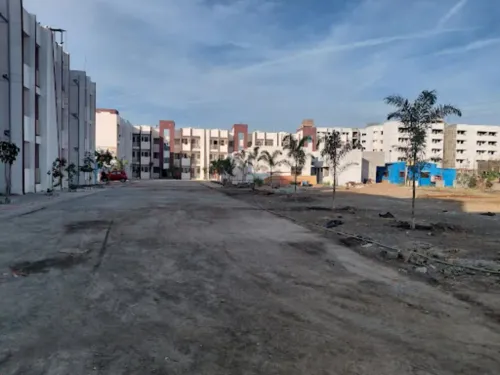
| Site visit | Building, access road, utilities, boundaries and visible construction stage | Work on site falls behind the portal’s stage-wise schedule |
Use this RERA due diligence checklist before signing:
- Match the flat number, carpet area and building name across the portal, brochure and agreement.
- Confirm that the agreement’s possession date is clear; compare it with the RERA completion date.
- Do not pay more than 10% before the written agreement for sale is executed and registered.
- Photograph construction progress and ask for explanations of every mismatch.
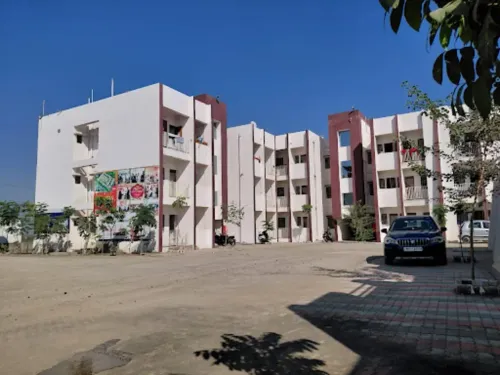
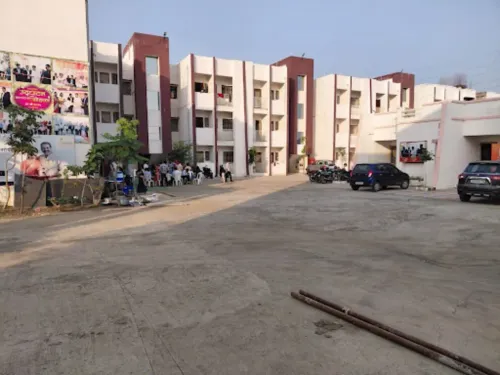
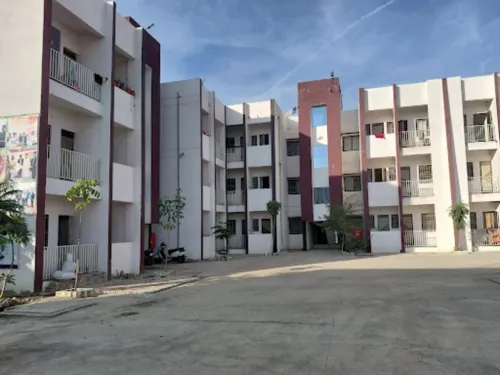
For Nagpur flats, including those offered by SUKHKARTA DEVEOPERS, this comparison separates a documented choice from a sales promise. If the dates, plans or approvals conflict, pause and obtain a written correction before proceeding.
Frequently asked questions
What does RERA registration tell a homebuyer?
It confirms that the promoter has registered the project with MahaRERA and submitted prescribed project information. Registration does not guarantee construction quality, timely completion or a sound investment, so review the published records before booking.
How can you verify a project on the MahaRERA website?
Search the MahaRERA website using the project name, promoter name or registration number. Match the project address, promoter details, registration status, completion date and uploaded documents with the information given by the sales team.
Which disclosures show what you are actually buying?
Check the sanctioned plan, layout, carpet area, number of buildings and units, amenities, project completion date, promoter details, encumbrances and quarterly progress updates. Compare these records with the agreement for sale and the unit-specific offer.
What do project changes, delays and payment demands mean for your rights?
A promoter cannot freely alter sanctioned plans or advertised specifications without the consent required under RERA. For delay, examine the agreed possession date and available MahaRERA remedies. Pay only against documented demands linked to the agreement and construction schedule.
How should you compare two RERA-registered flats?
Compare MahaRERA registration status, possession date, carpet area, sanctioned amenities, promoter track record, quarterly progress, complaints and the agreement for sale. Then compare the total cost, including parking, maintenance, taxes and registration expenses.